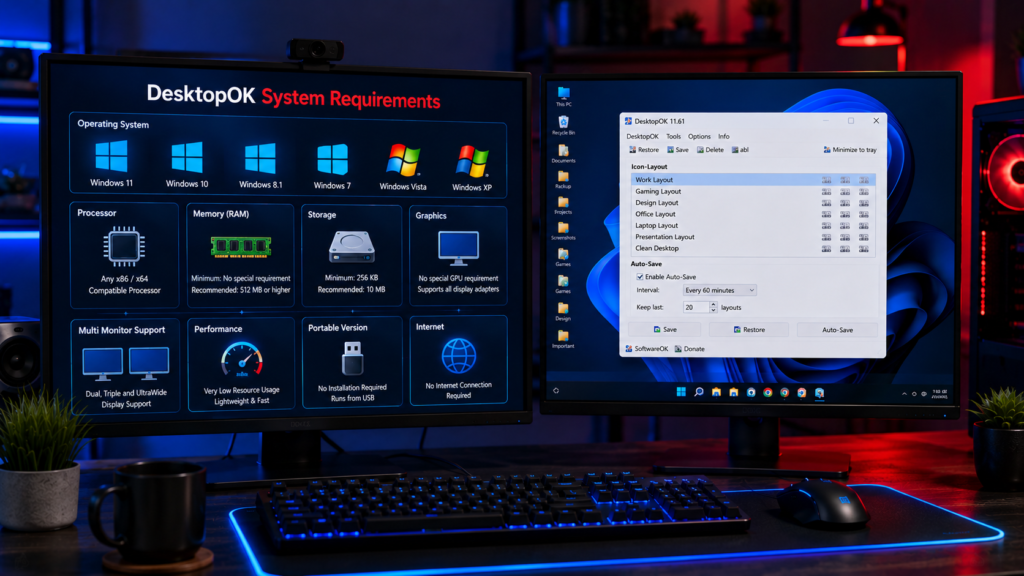
DesktopOK System Requirements for Windows 11, 10, 8 and 7
DesktopOK system requirements are simple, and that is part of the appeal. The program is a small, portable Windows utility

DesktopOK system requirements are simple, and that is part of the appeal. The program is a small, portable Windows utility
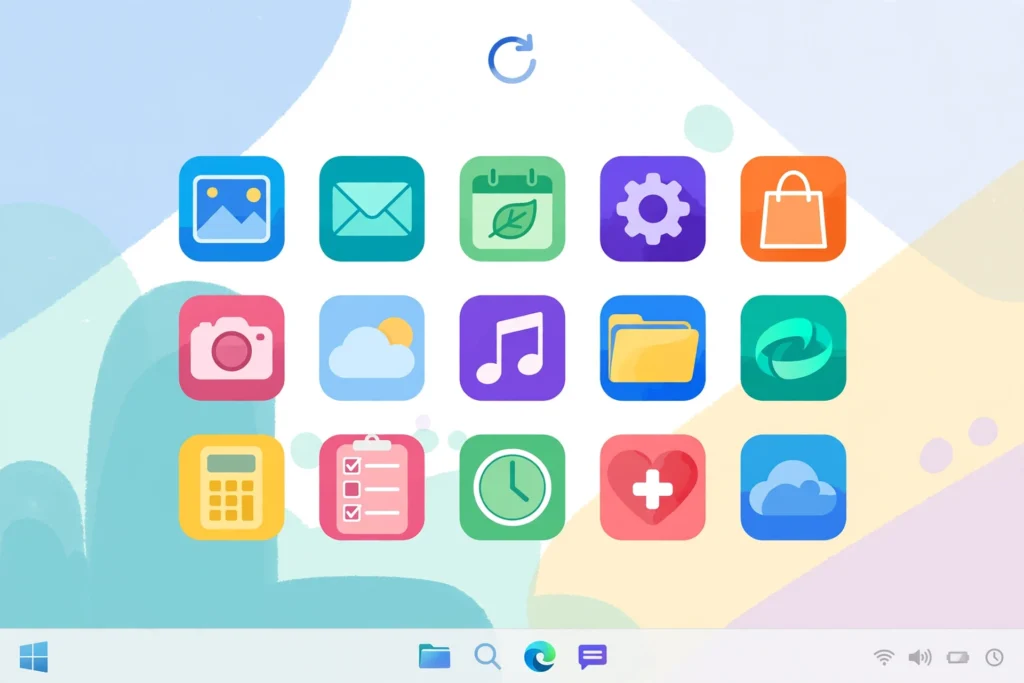
DesktopOK Windows Update Restore fixes your desktop after a Windows update scrambles your icons. One update can change screen resolution,
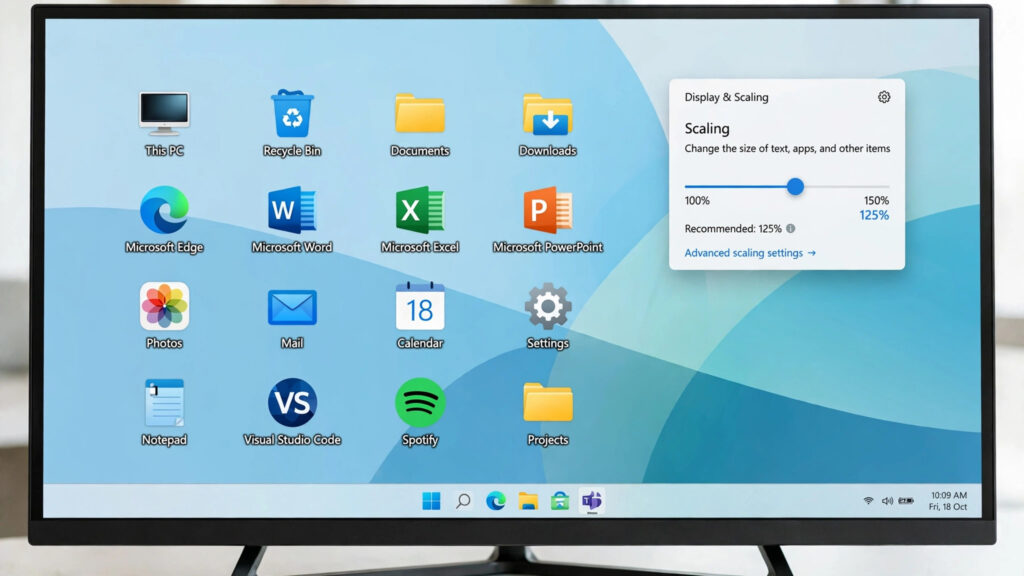
Display scaling changes how Windows draws text, apps, and desktop icons. When you move from 100% to 125% or 150%,
DesktopOK is famous for saving and restoring icon positions, but positions are only half the story. When Windows changes your
On a shared family PC or a work computer with several accounts, the desktop can become a battleground. One person
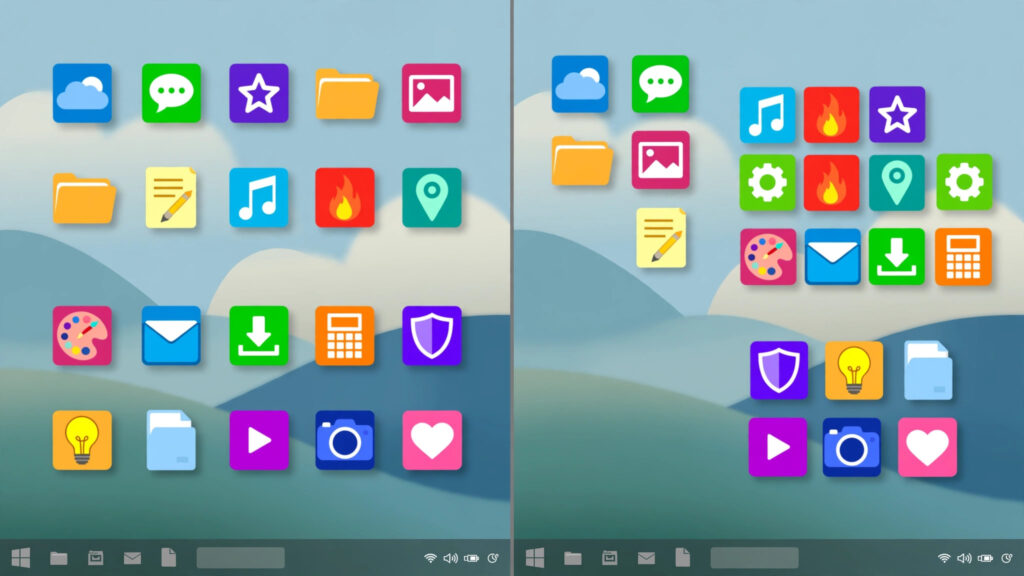
DesktopOK is the most popular free tool for saving and restoring desktop icon layouts on Windows, and for good reason:
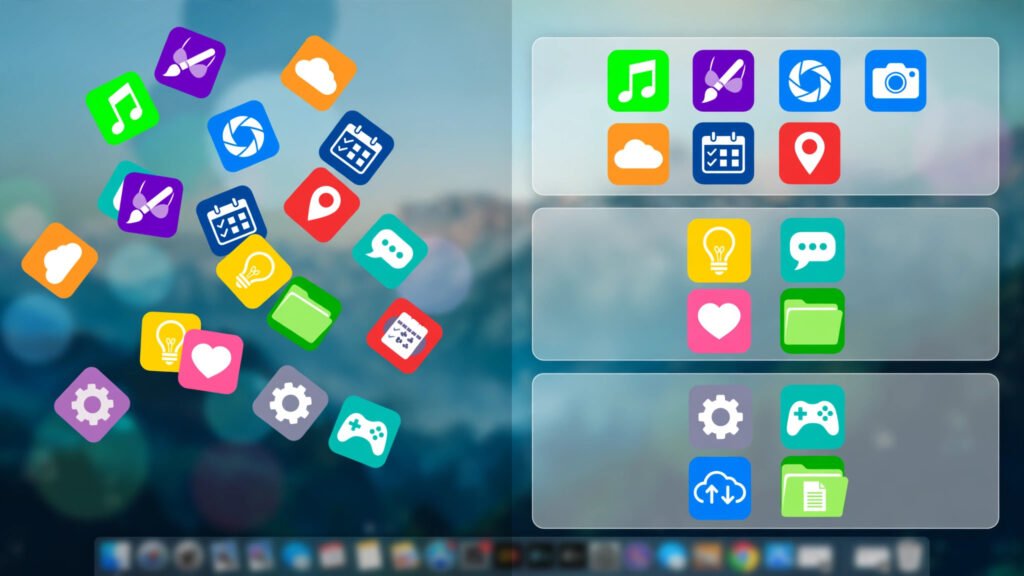
Your Windows desktop is a mess again. Icons you carefully arranged last week have scattered after a resolution change, a
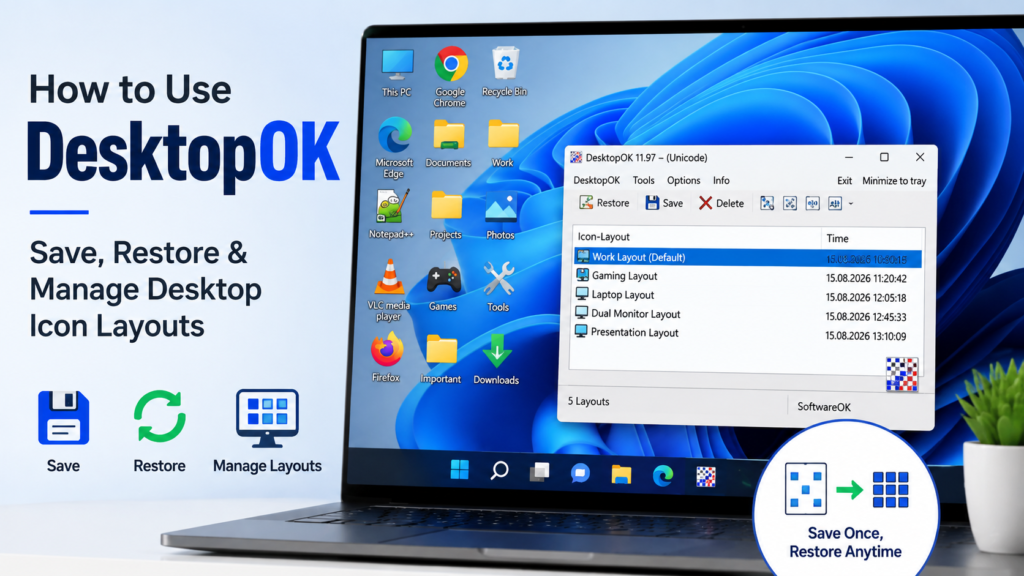
DesktopOK is a lightweight Windows utility that helps you save and restore desktop icon positions. If your icons move after
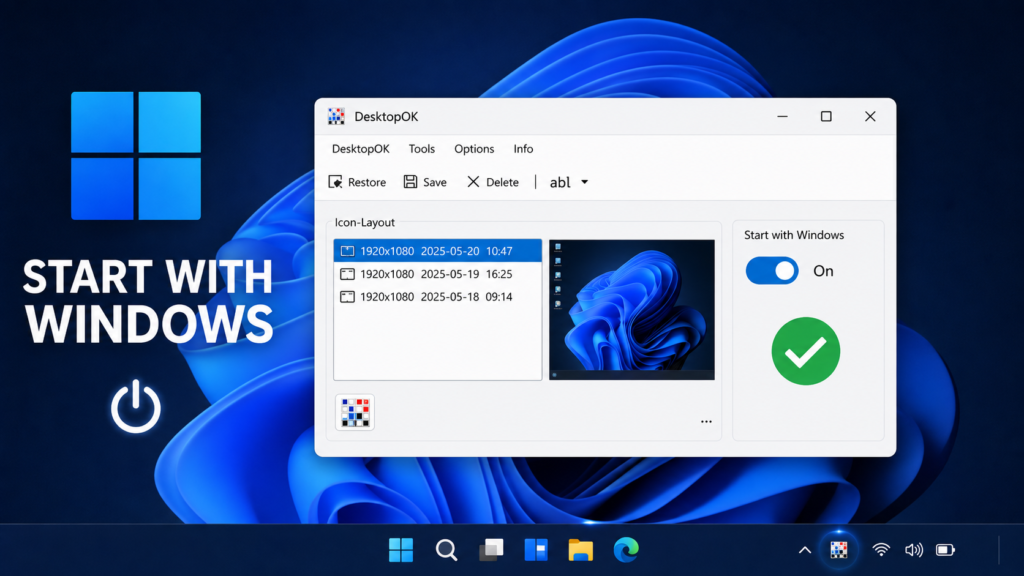
Learning how to run DesktopOK automatically at Windows startup ensures that the utility is available as soon as you sign
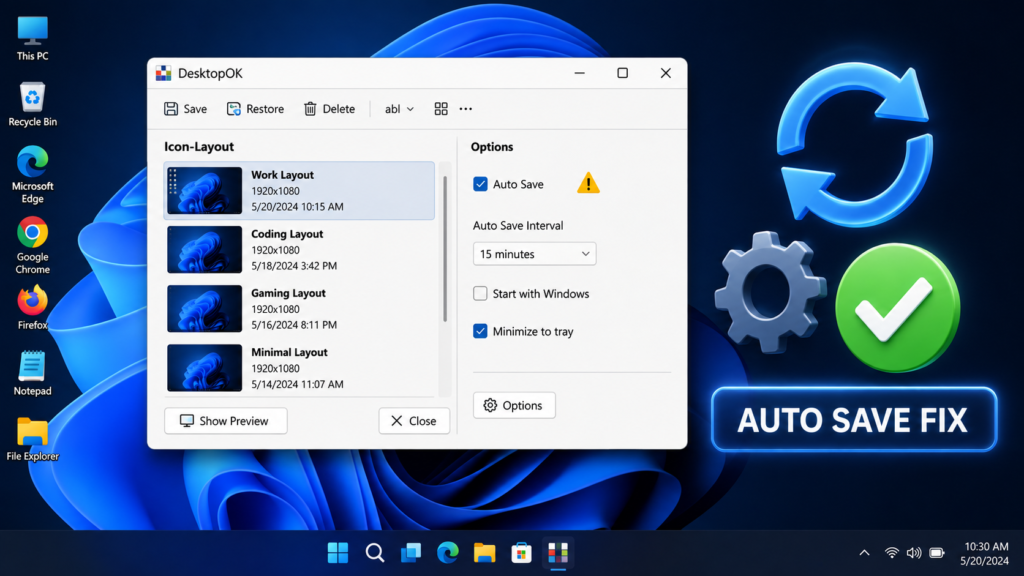
DesktopOK Auto Save not working can leave your carefully arranged desktop icons unprotected. You may enable automatic saving, restart Windows,