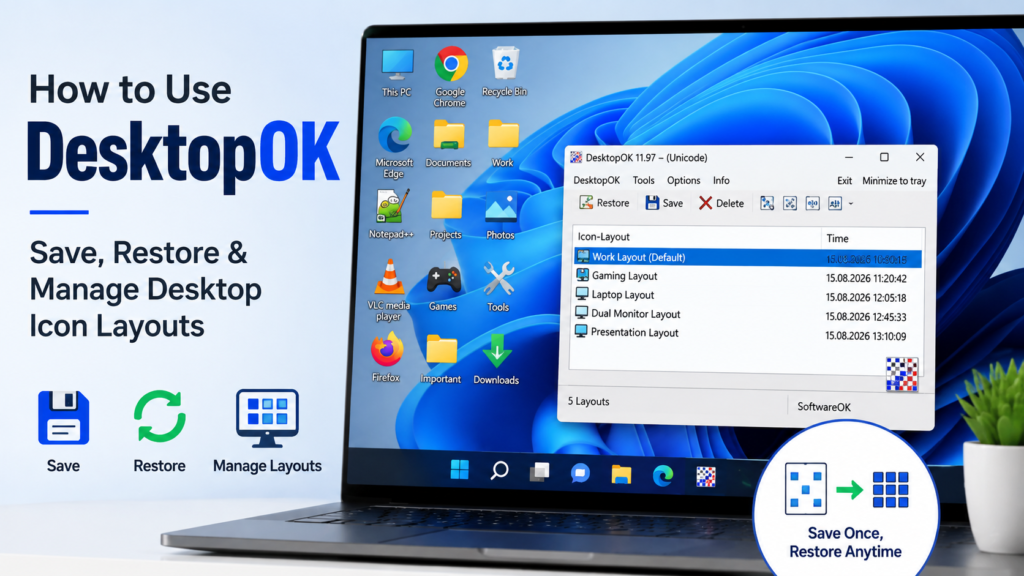
How to Use DesktopOK: Complete Beginner’s Guide for Windows 11 & 10
DesktopOK is a lightweight Windows utility that helps you save and restore desktop icon positions. If your icons move after […]

DesktopOK is a lightweight Windows utility that helps you save and restore desktop icon positions. If your icons move after […]
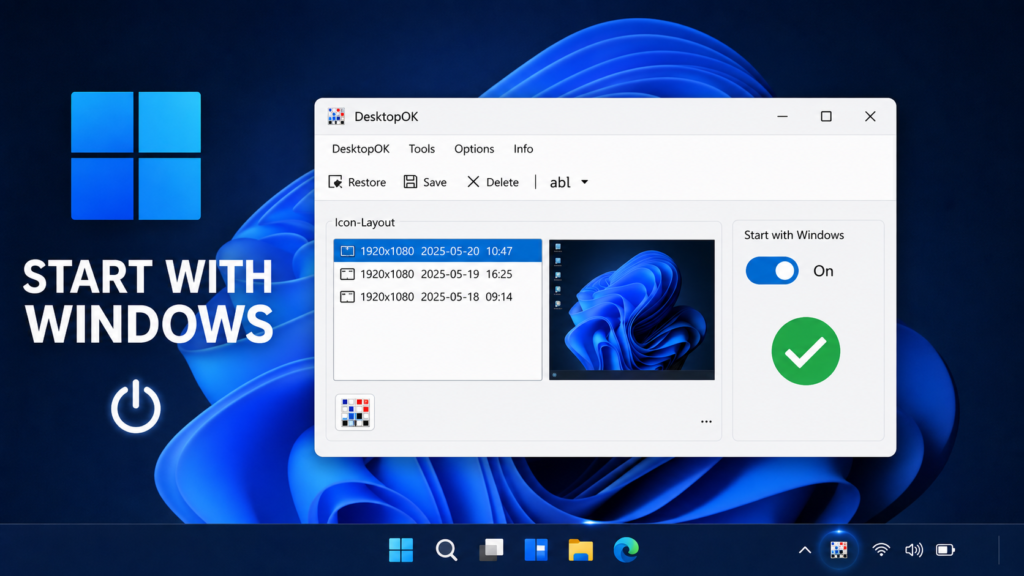
Learning how to run DesktopOK automatically at Windows startup ensures that the utility is available as soon as you sign
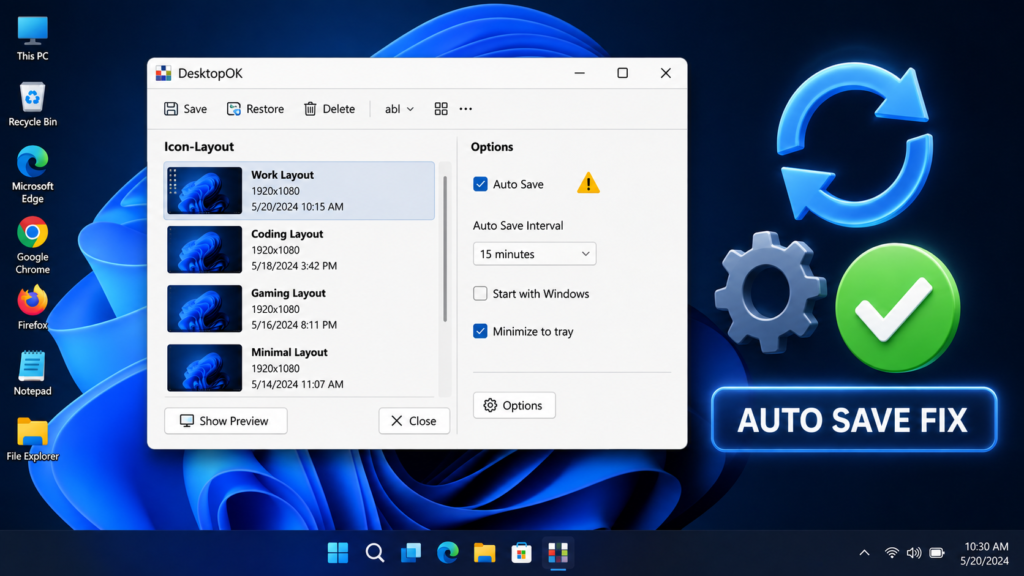
DesktopOK Auto Save not working can leave your carefully arranged desktop icons unprotected. You may enable automatic saving, restart Windows,
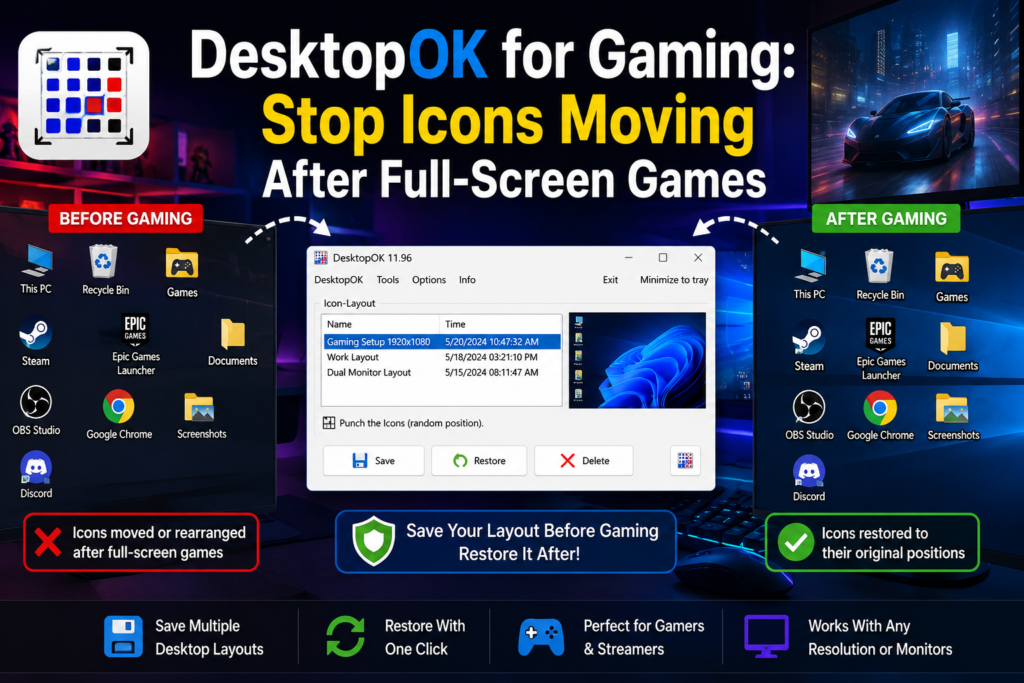
Launching a full-screen game should not leave your Windows desktop in a mess. However, some games temporarily change the screen
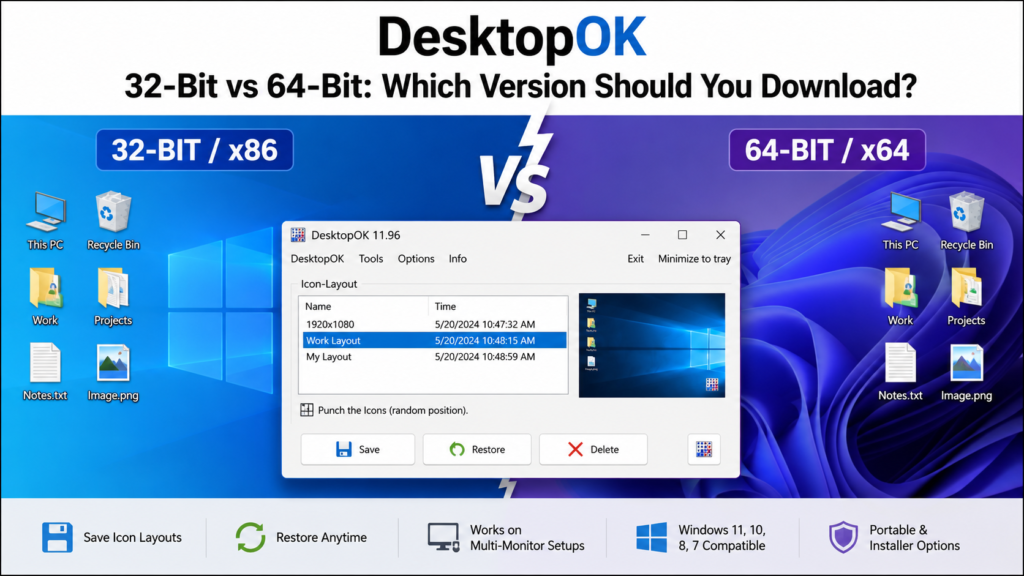
Choosing between DesktopOK 32-bit and 64-bit can be confusing because the download page provides several packages, including regular, Unicode, installer,
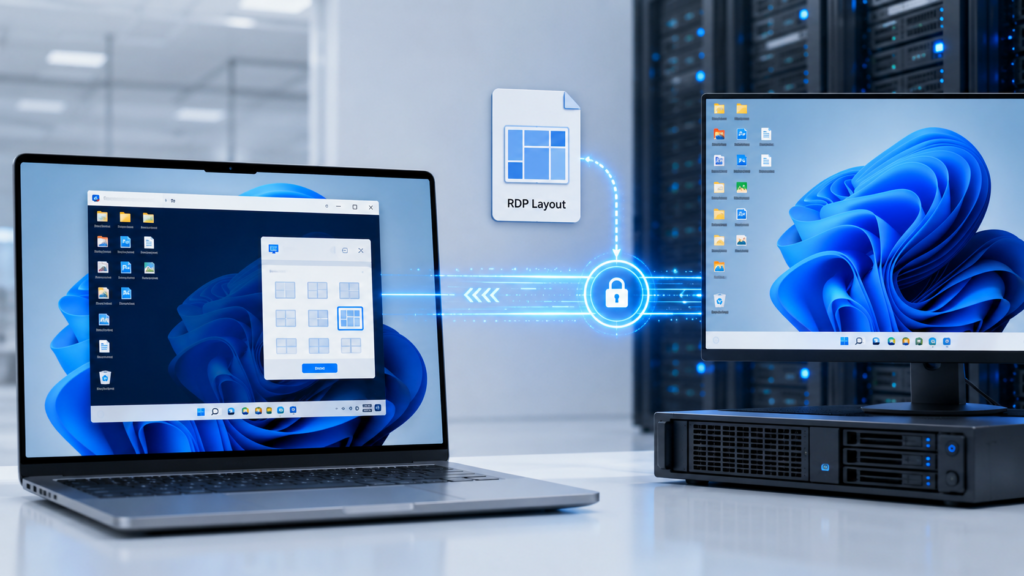
Remote Desktop sessions can change the available screen resolution, display area, scaling, and monitor configuration of a remote Windows computer.
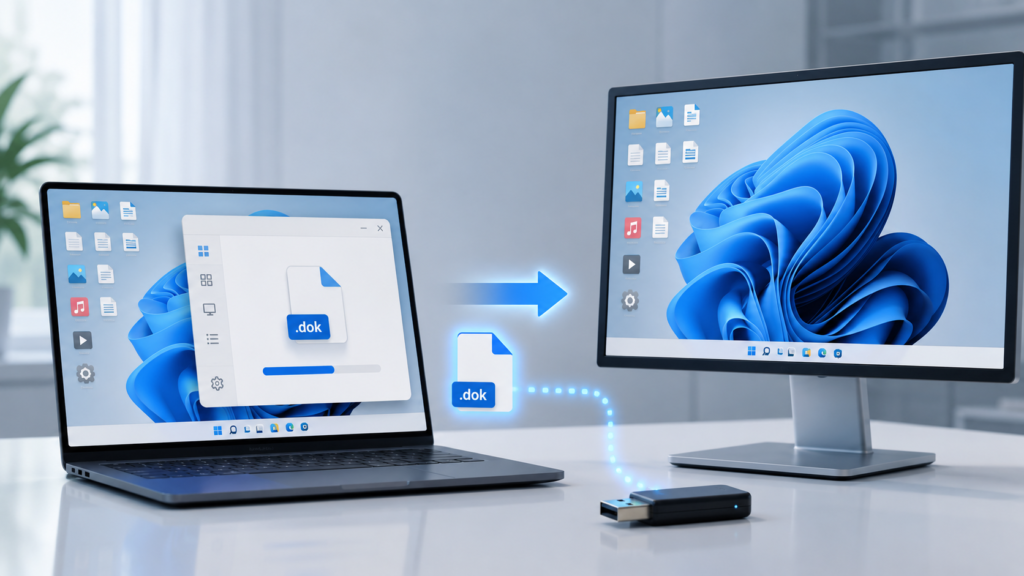
DesktopOK .dok file provides a practical way to save a desktop icon arrangement outside the program’s normal layout list. Instead
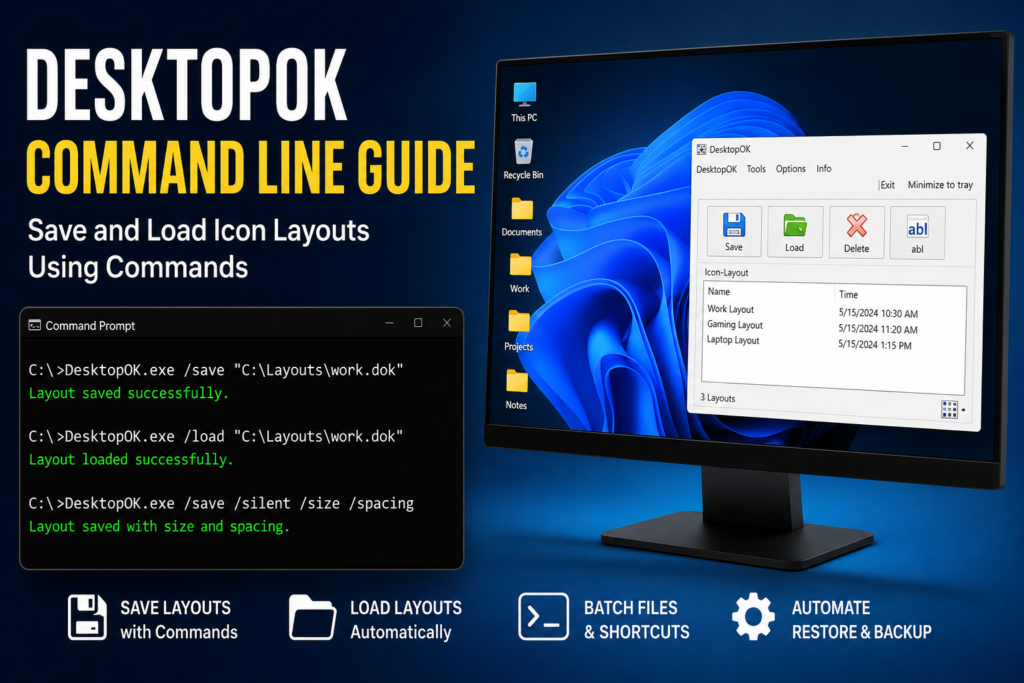
DesktopOK command-line commands let you save and restore desktop icon layouts without manually using the program’s graphical interface. This is
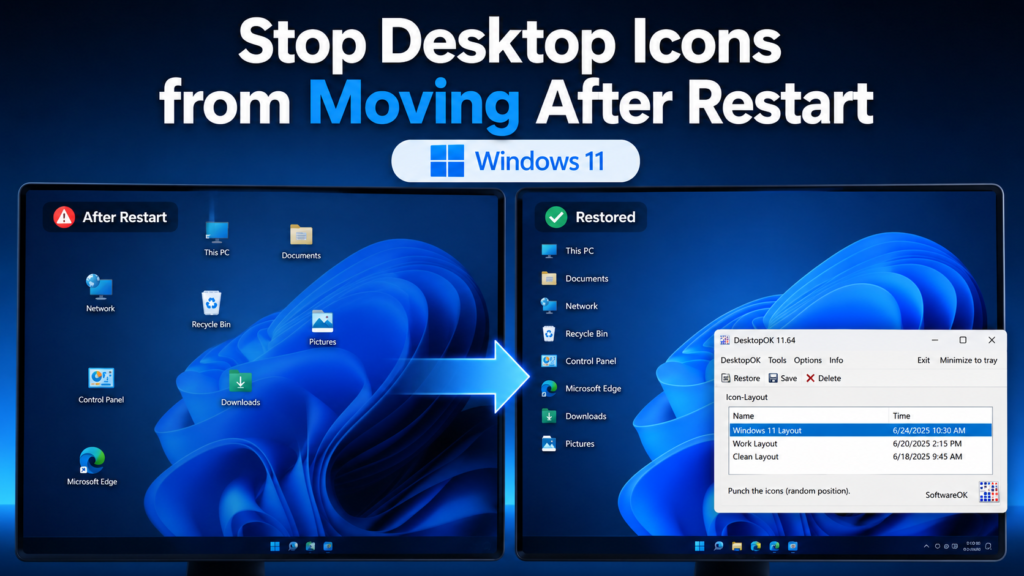
If your desktop icons keep moving after a restart in Windows 11, first turn off Auto arrange icons and keep
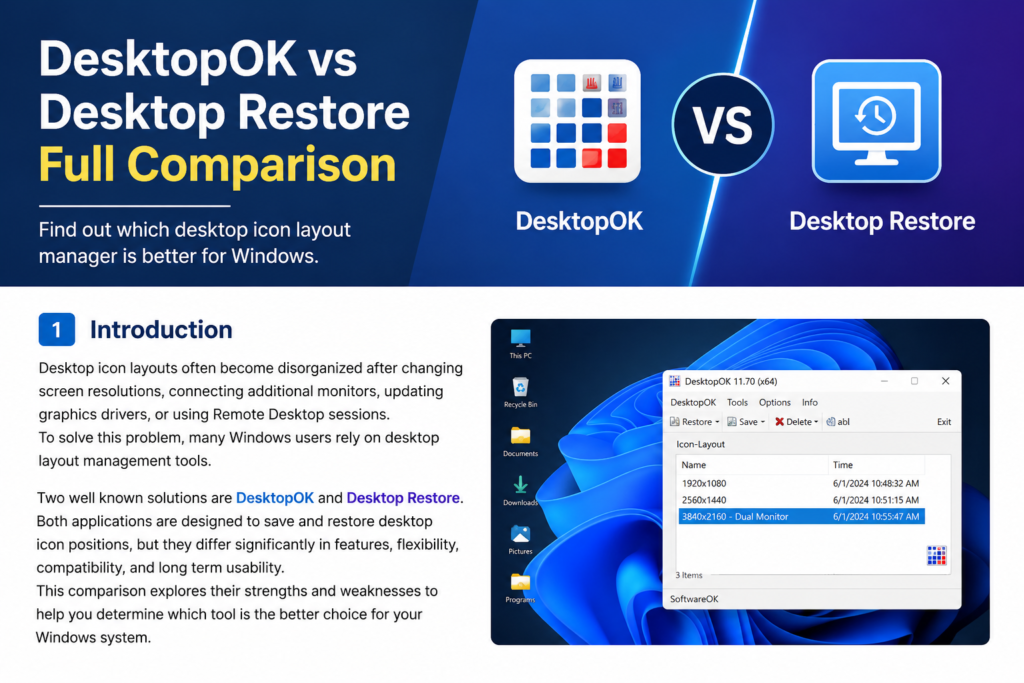
Desktop icon layouts often become disorganized after changing screen resolutions, connecting additional monitors, updating graphics drivers, or using Remote Desktop