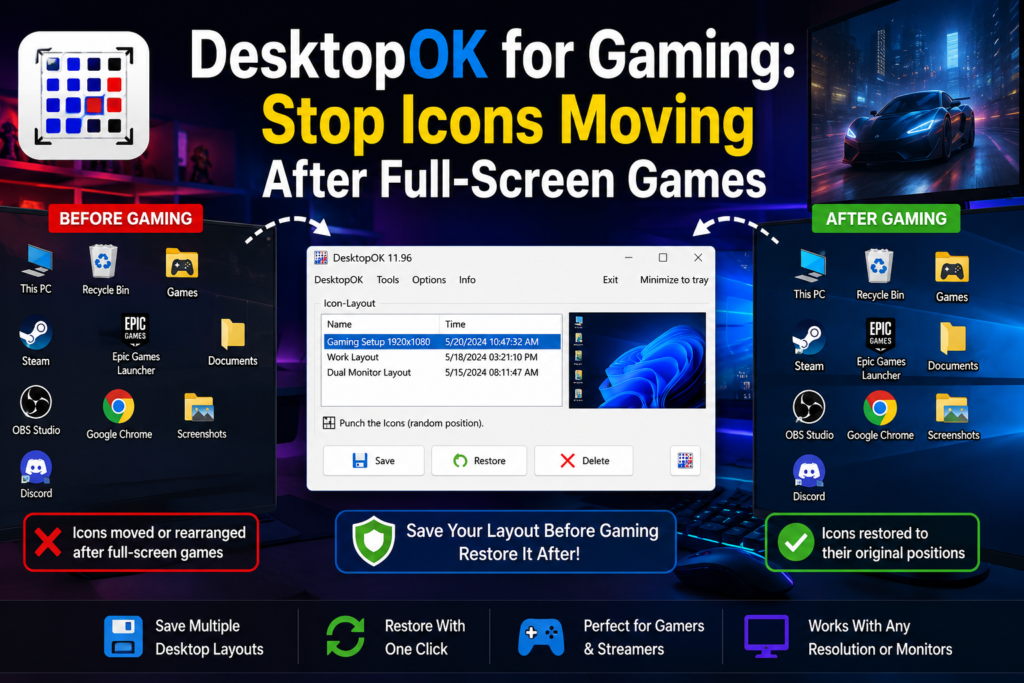
DesktopOK for Gaming: Stop Icons Moving After Full-Screen Games
Launching a full-screen game should not leave your Windows desktop in a mess. However, some games temporarily change the screen

Launching a full-screen game should not leave your Windows desktop in a mess. However, some games temporarily change the screen
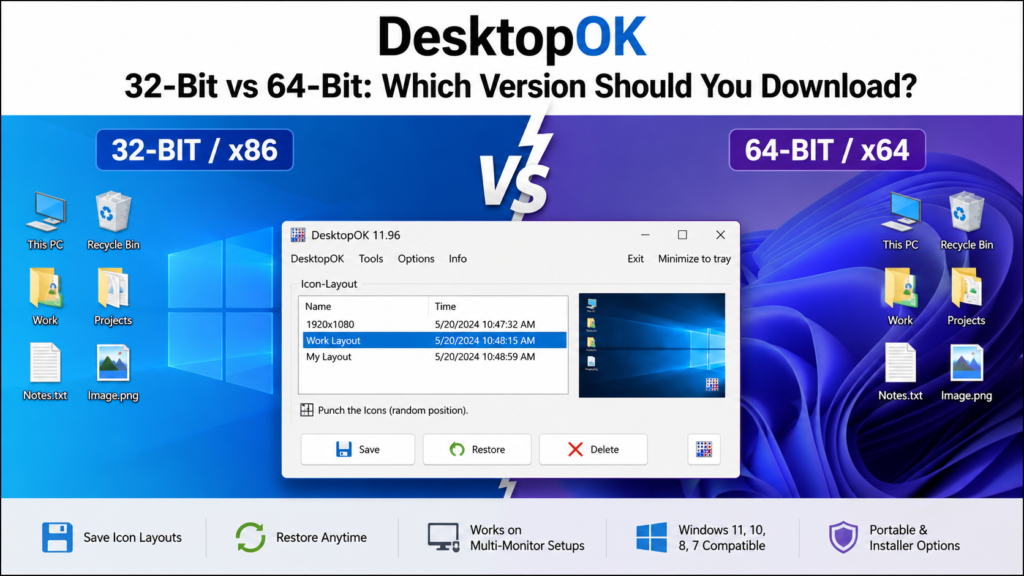
Choosing between DesktopOK 32-bit and 64-bit can be confusing because the download page provides several packages, including regular, Unicode, installer,
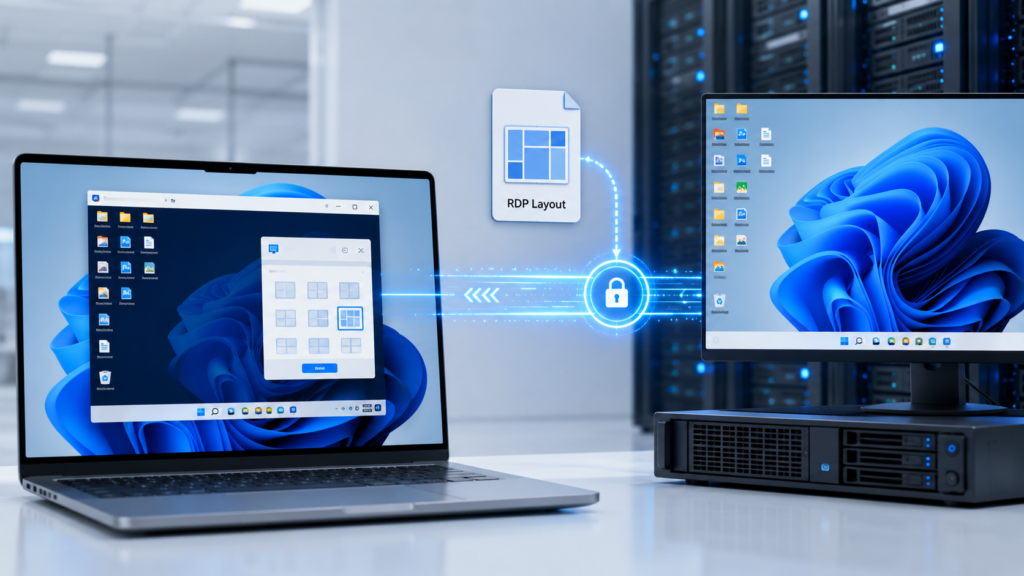
Remote Desktop sessions can change the available screen resolution, display area, scaling, and monitor configuration of a remote Windows computer.
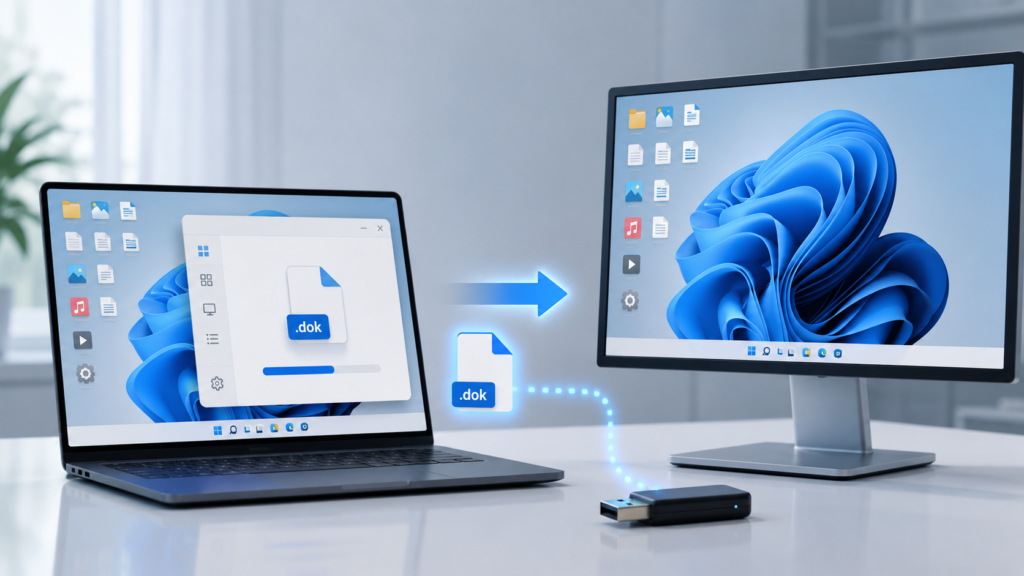
DesktopOK .dok file provides a practical way to save a desktop icon arrangement outside the program’s normal layout list. Instead
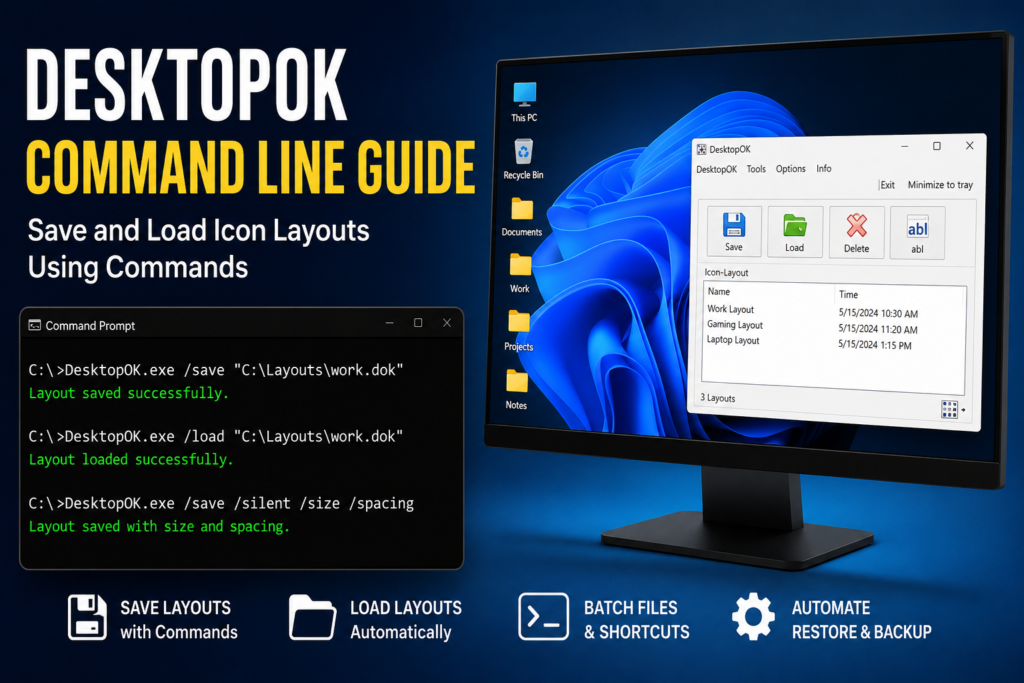
DesktopOK command-line commands let you save and restore desktop icon layouts without manually using the program’s graphical interface. This is
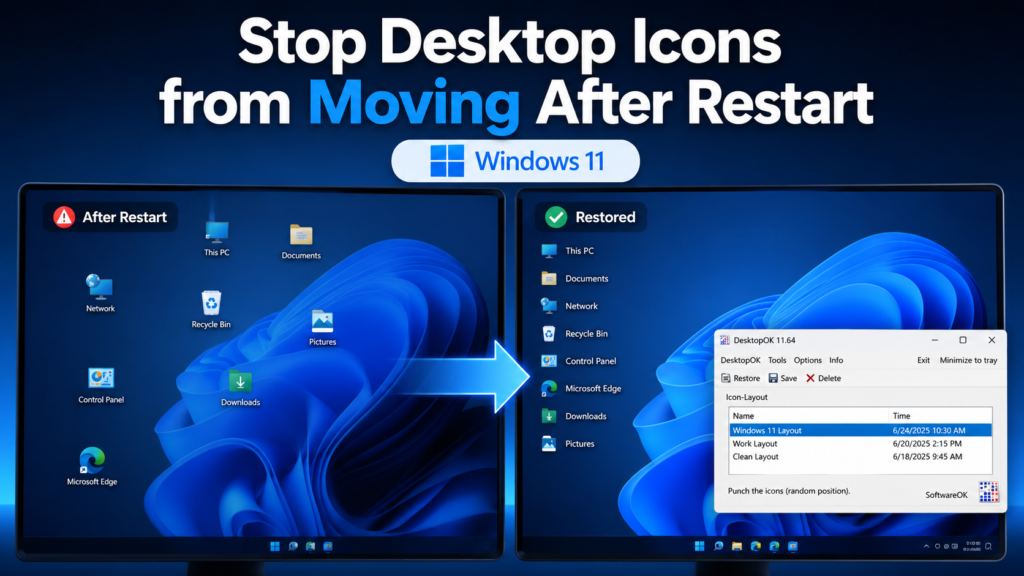
If your desktop icons keep moving after a restart in Windows 11, first turn off Auto arrange icons and keep
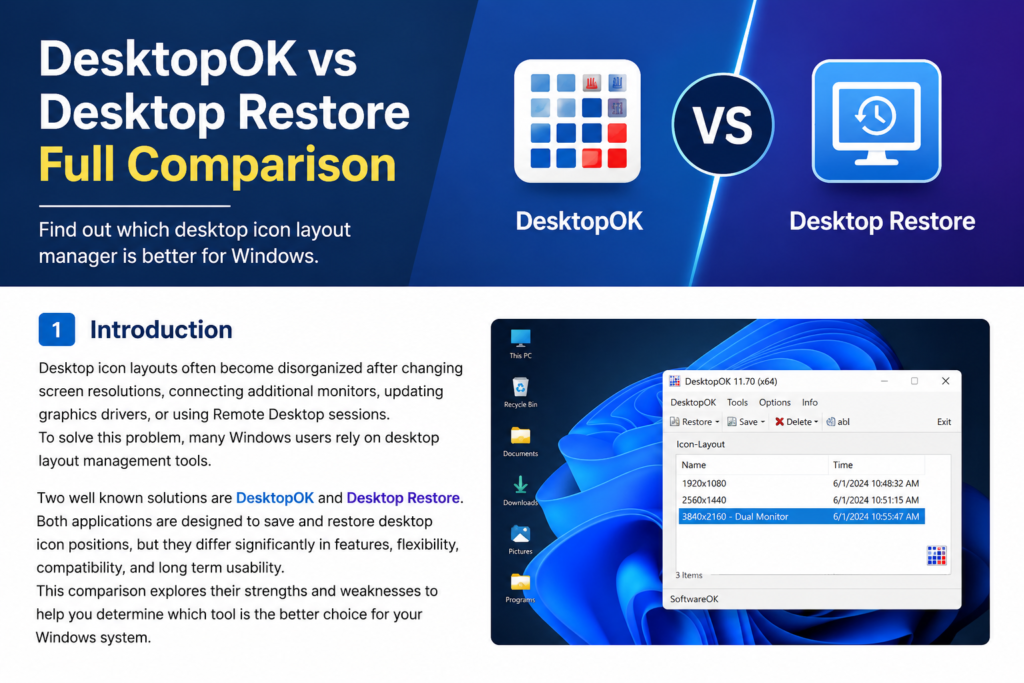
Desktop icon layouts often become disorganized after changing screen resolutions, connecting additional monitors, updating graphics drivers, or using Remote Desktop
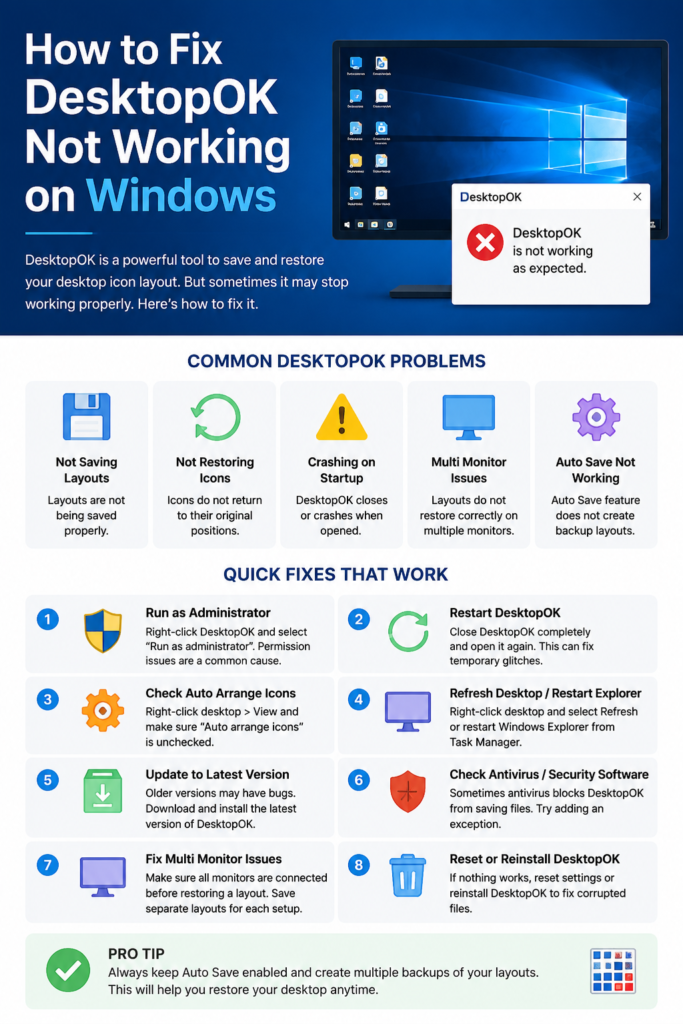
If DesktopOK is not working on Windows, first close and reopen the program, confirm that your desktop layout was saved
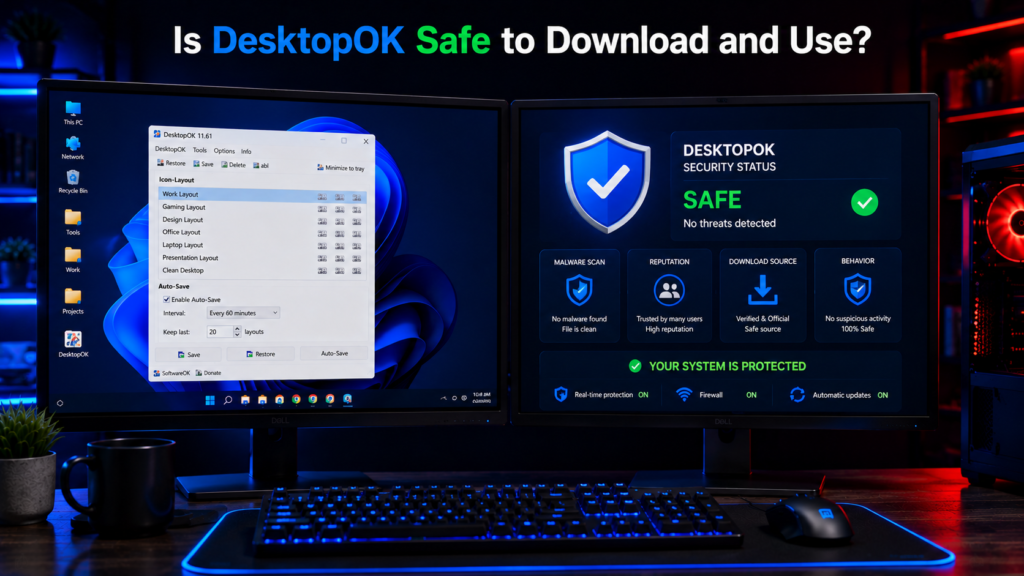
DesktopOK is a popular Windows utility designed to save and restore desktop icon layouts. It has been used by Windows
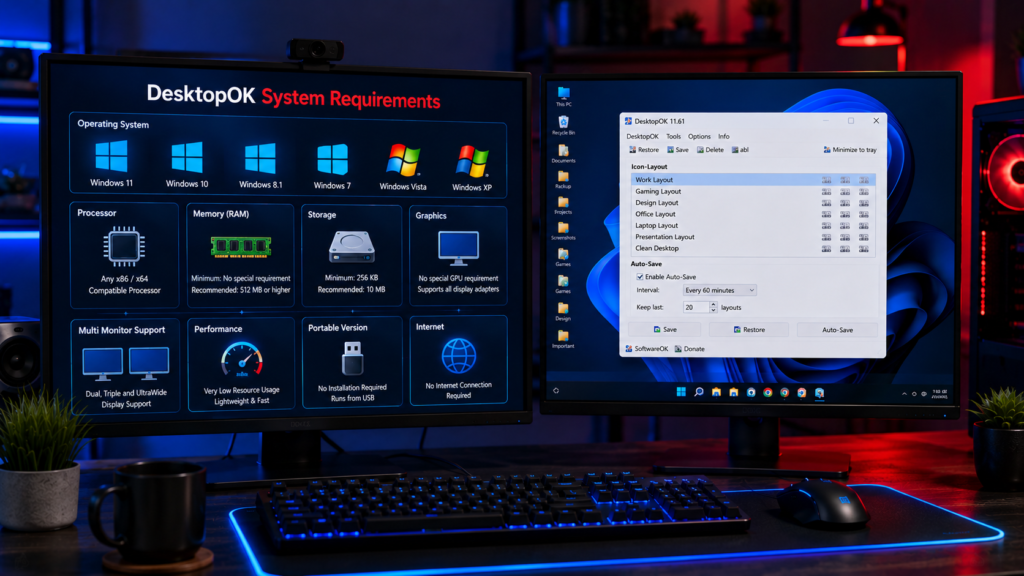
DesktopOK is one of the most lightweight desktop management tools available for Windows users. Unlike many modern applications that require