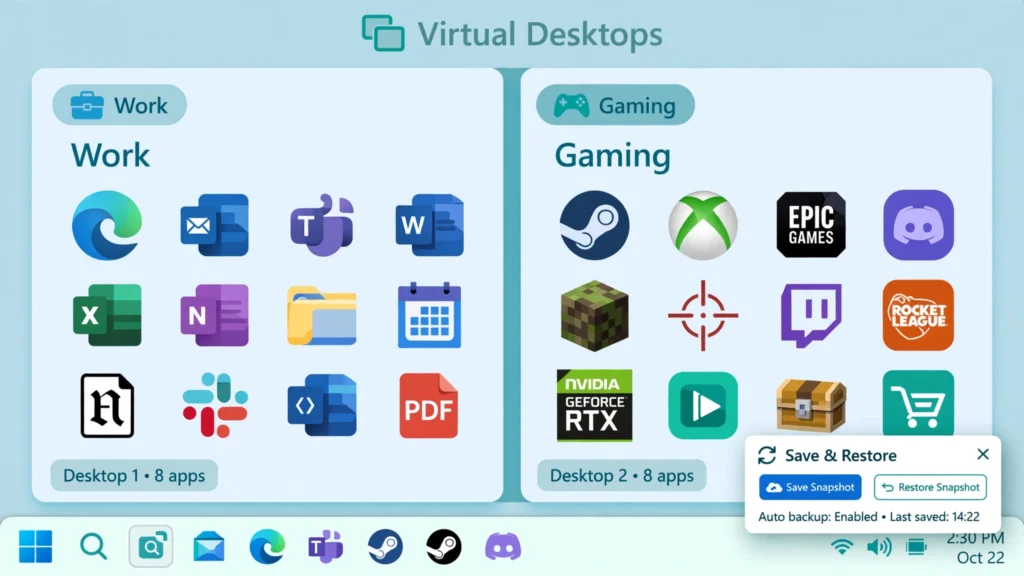
DesktopOK Virtual Desktops: Keep Icon Layouts on Windows 11
DesktopOK virtual desktops help Windows 11 users keep tidy icon layouts across workspaces. Windows 11 shares the same icons across

DesktopOK virtual desktops help Windows 11 users keep tidy icon layouts across workspaces. Windows 11 shares the same icons across
DesktopOK multiple layouts let you save a separate icon arrangement for every way you use your PC. One layout holds
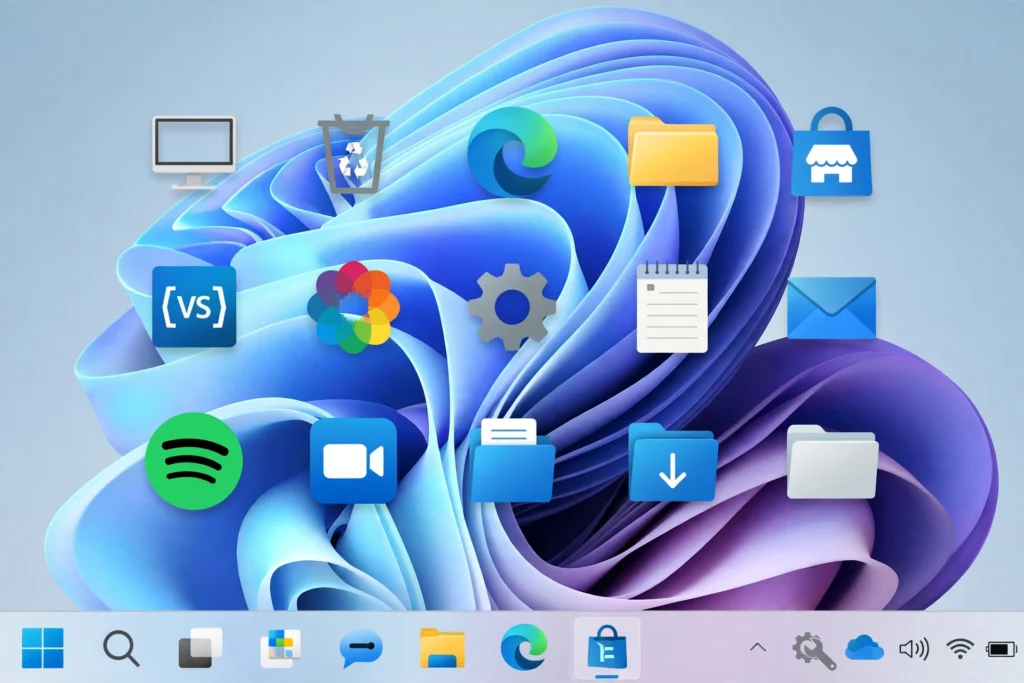
DesktopOK system tray icon missing from the notification area usually means one of three things: DesktopOK closed instead of minimizing,
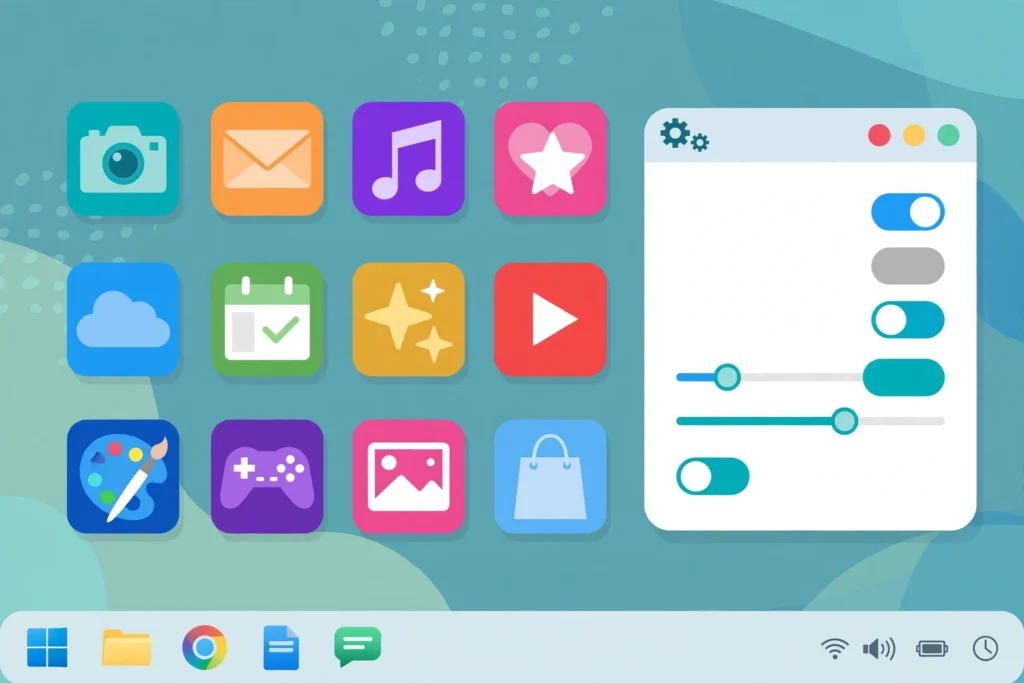
DesktopOK settings control how the tool saves, restores, and protects your desktop icon layout. Every option sits in one small
DesktopOK uninstall is simple once you know which version you have. The installed version removes through Windows Settings, while the
DesktopOK Hotkeys let you save and restore your desktop icon layout with a quick key press, instead of opening the
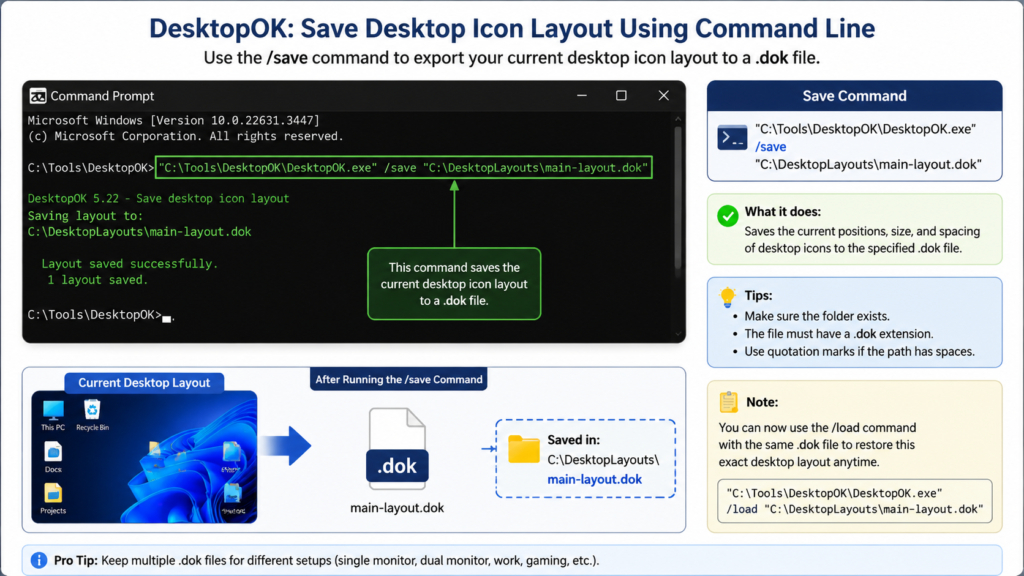
DesktopOK command line use lets you save and restore your desktop icon layout without opening menus or clicking through windows.
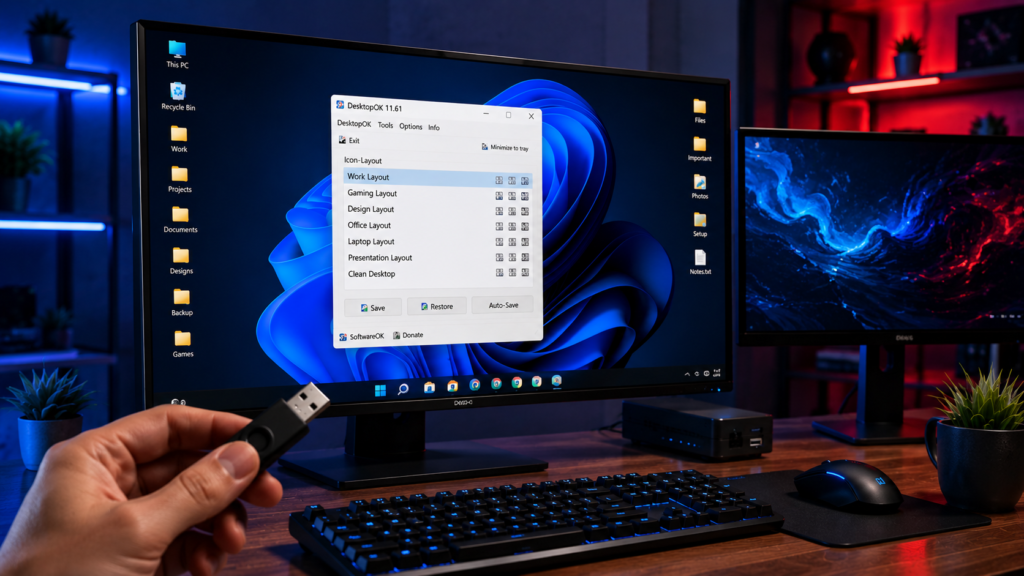
DesktopOK portable version is a single program file that runs without installation. You download it, open the file, and it
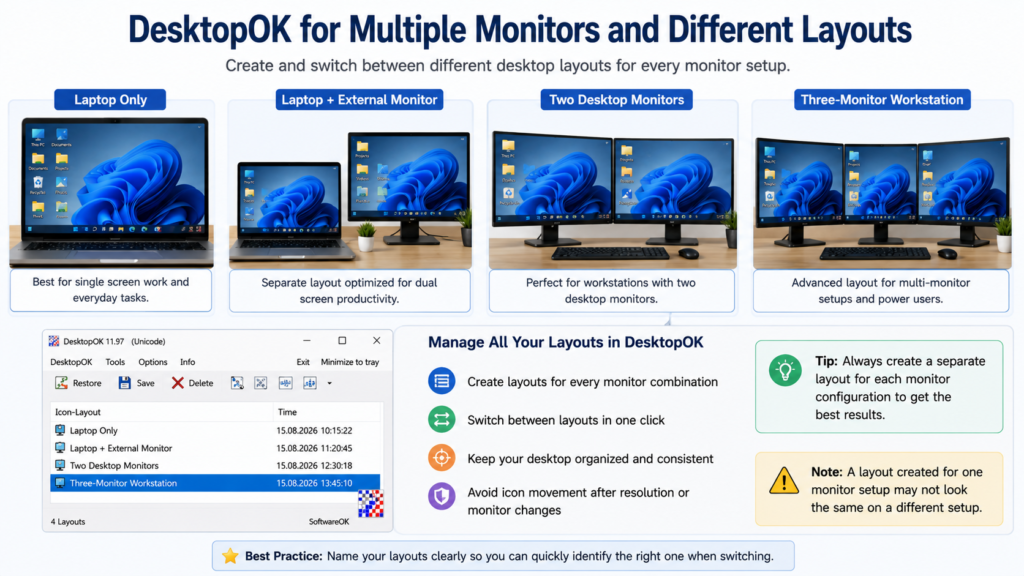
DesktopOK multi-monitor setup starts with one simple idea: save a separate icon layout for every screen arrangement you use. When
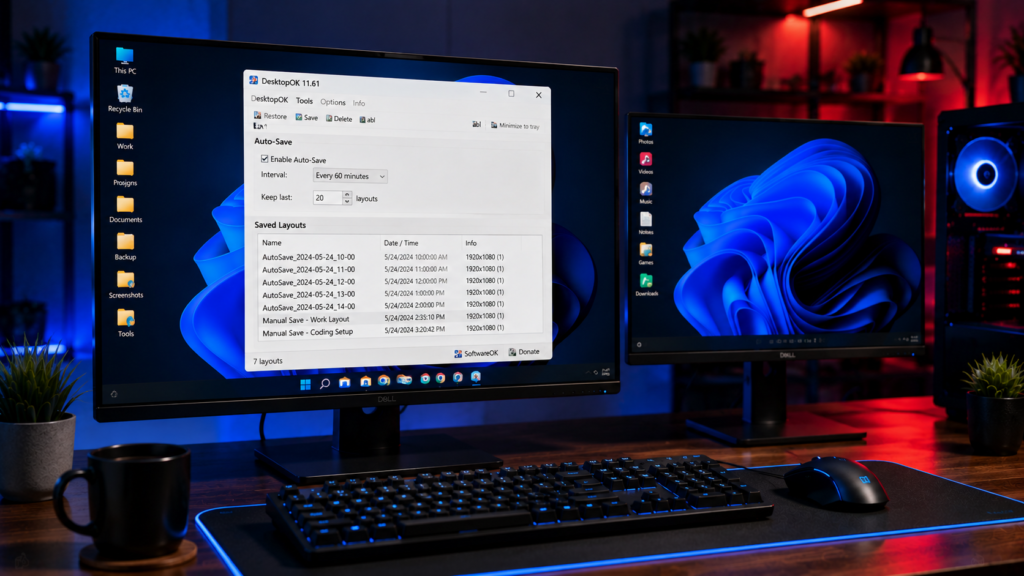
DesktopOK auto save keeps your saved icon layout updated without you having to press Save again. It records the current