
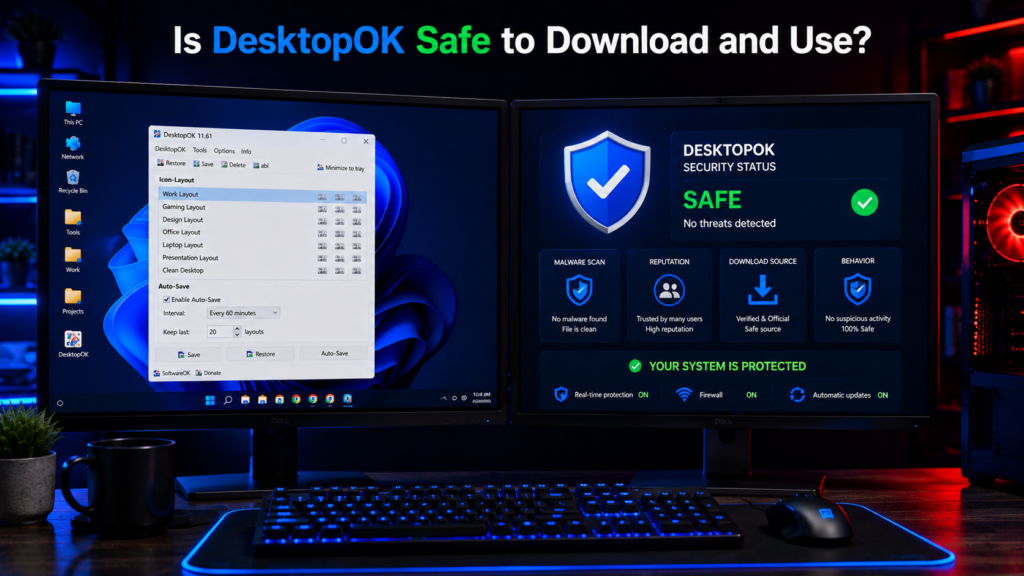
DesktopOK is a popular Windows utility designed to save and restore desktop icon layouts. It has been used by Windows users for many years and is especially helpful for people who frequently change screen resolutions, connect multiple monitors, or use Remote Desktop sessions.
Despite its popularity, many users still ask an important question:
Is DesktopOK safe to download and use?
The short answer is yes. DesktopOK is generally considered safe when downloaded from trusted sources. In this guide, we will examine its security, reputation, permissions, privacy practices, and potential risks to help you make an informed decision.
Quick Info
Software: DesktopOK
Developer: SoftwareOK
License: Freeware
Platform: Windows
Website Note: DesktopOK.net is an independent informational guide. DesktopOK is developed by SoftwareOK.
What Is DesktopOK?
DesktopOK is a lightweight desktop management tool developed by SoftwareOK.
The software allows users to:
- Save desktop icon layouts
- Restore icon positions
- Create multiple layout profiles
- Use automatic backups
- Manage multi-monitor setups
- Run a portable version without installation
The program focuses solely on desktop organization and does not attempt to modify important system settings.
Is DesktopOK Safe?
For most users, DesktopOK is considered safe.
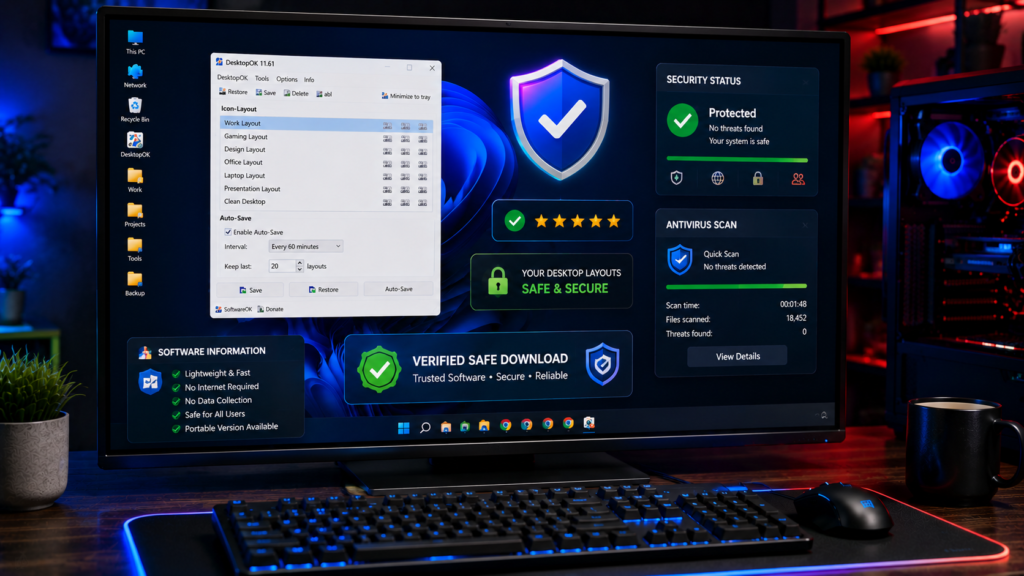
Several factors contribute to its positive reputation:
Long Development History
DesktopOK has been available for many years and continues to receive updates.
Large User Base
Thousands of Windows users worldwide rely on DesktopOK for desktop layout management.
No Malware Behavior
DesktopOK is not known for:
- Ransomware activity
- Spyware behavior
- Browser hijacking
- Data theft
- Cryptocurrency mining
Lightweight Design
The software performs a specific task and does not include unnecessary background services.
Who Develops DesktopOK?
DesktopOK is developed by SoftwareOK, a software publisher known for creating lightweight Windows utilities.
The company has released several desktop management and productivity tools that have been used by Windows users for many years.
A transparent developer history is usually a positive sign when evaluating software safety.
Does DesktopOK Contain Viruses?
When downloaded from legitimate sources, DesktopOK does not contain viruses.
However, users should always be cautious about downloading software from unofficial websites.
Safe download sources include:
- Official SoftwareOK website
- Trusted software directories
- Reputable software download platforms
Avoid downloading modified versions from unknown websites.
Does DesktopOK Require Administrator Access?
In most situations, DesktopOK can run without administrative privileges.
The software primarily interacts with desktop icon positions and does not need deep system access.
This reduces potential security risks compared to software that requires elevated permissions.
Does DesktopOK Collect Personal Data?
DesktopOK is primarily an offline utility.
It does not require:
- User accounts
- Cloud logins
- Online subscriptions
- Personal information
The software focuses on local desktop management rather than online services.
This helps improve privacy and reduces data collection concerns.
Does DesktopOK Need an Internet Connection?
No.
DesktopOK works completely offline.
Users can:
- Save layouts
- Restore layouts
- Create profiles
- Use Auto Save
without connecting to the internet.
Offline operation is often viewed as a positive security feature.
Is the Portable Version Safe?
Yes.
The DesktopOK Portable version is generally considered as safe as the installed version.
Benefits include:
- No installation required
- No registry changes
- Easy removal
- USB compatibility
Many IT professionals prefer portable applications because they leave fewer traces on a system.
DesktopOK Safety Checklist
Before downloading DesktopOK, users should check the developer name, download source, file type, and software details. Avoid unknown mirror websites with fake download buttons. DesktopOK.net is an independent informational guide, so users should always verify the latest version from the official developer source.
Security Advantages of DesktopOK
Minimal System Impact
DesktopOK uses very few system resources.
No Background Tracking
The software does not rely on cloud services.
Small File Size
Its lightweight design reduces complexity.
Offline Functionality
Most features work without internet access.
Limited Permissions
The application generally operates without elevated system access.
Potential Risks to Consider
Although DesktopOK is considered safe, users should still follow standard software safety practices.
Download Only From Trusted Sources
Fake download pages sometimes bundle unwanted software.
Scan Downloads
Use Windows Security or another antivirus program to scan downloaded files.
Keep Software Updated
Install newer versions to benefit from bug fixes and compatibility improvements.
Avoid Modified Versions
Third party modified copies can introduce security risks.
How to Verify DesktopOK Is Safe
Before installing any software, consider the following checks:
Verify the Download Source
Use official or trusted websites.
Scan With Antivirus Software
Perform a security scan before running the file.
Check Digital Signatures
If available, verify publisher information.
Review Security Reports
Many antivirus services provide reputation analysis for downloaded files.
Common User Concerns
Can DesktopOK Damage My Computer?
No known evidence suggests DesktopOK damages computers when obtained from legitimate sources.
Can DesktopOK Delete Files?
DesktopOK manages desktop icon positions only.
It does not delete user documents or personal files.
Does DesktopOK Modify Windows Settings?
The software mainly works with desktop layout information and does not make major operating system changes.
Is DesktopOK Safe for Windows 11?
Yes.
Current versions support Windows 11 and work reliably on modern systems.
DesktopOK Safety Rating
| Category | Rating |
|---|---|
| Malware Risk | Very Low |
| Privacy Risk | Very Low |
| Resource Usage | Excellent |
| Windows Compatibility | Excellent |
| Reputation | Strong |
| Ease of Removal | Excellent |
Conclusion
So, is DesktopOK safe to download and use?
For the vast majority of Windows users, the answer is yes. DesktopOK has a long history, a strong reputation, low resource usage, and does not require unnecessary permissions or personal information.
As with any software, safety depends on downloading it from trusted sources and avoiding unofficial modifications. When obtained from a legitimate source, DesktopOK remains one of the safest and most reliable desktop layout management tools available for Windows.