
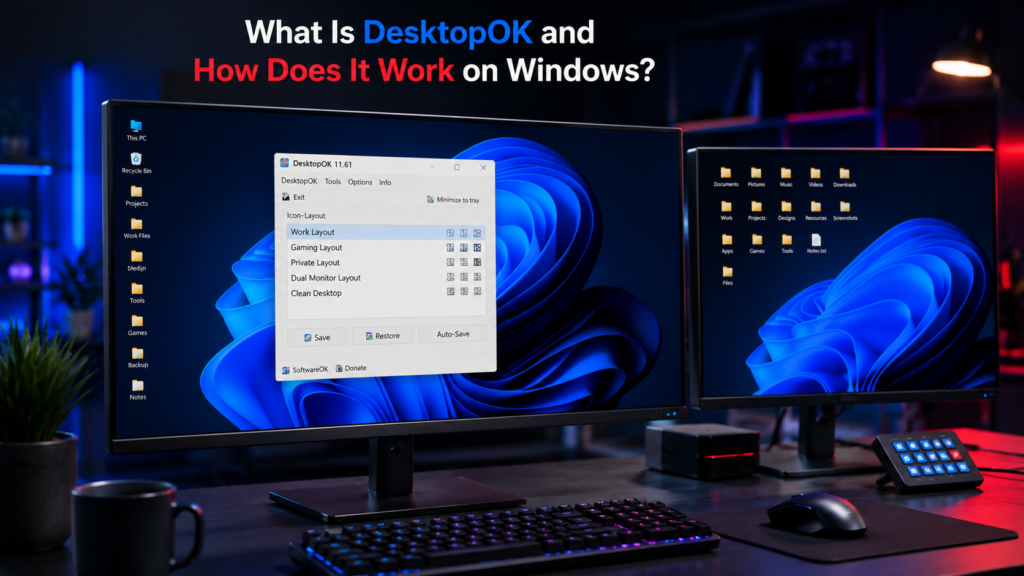
DesktopOK is a lightweight Windows utility that saves and restores desktop icon positions. It is useful when icons move after a screen-resolution change, Windows update, Remote Desktop session, or a change in monitor configuration.
Instead of manually rearranging desktop icons, users can save a preferred layout in DesktopOK and restore it when needed. The program is portable and supports multiple saved desktop layouts, making it especially useful for users who frequently change display setups.
This guide explains what DesktopOK is, how it works, its main features, and when it can be useful on Windows.
Quick Info
Software: DesktopOK
Developer: SoftwareOK
License: Freeware
Platform: Windows
Website Note: DesktopOK.net is an independent informational guide. SoftwareOK develops DesktopOK.
What Is DesktopOK?
DesktopOK is a free Windows utility developed by SoftwareOK for saving and restoring desktop icon positions. It lets users create saved desktop layouts and restore those arrangements when Windows moves or rearranges their icons.
The program is especially useful after changing screen resolution, connecting or disconnecting monitors, using Remote Desktop, or making other display changes that can affect icon placement.
DesktopOK is available as a portable utility, so it can be used without a traditional installation. Its focused purpose is desktop icon layout management rather than general Windows customization or system repair.
Why Do Desktop Icons Move on Windows?
Many Windows users experience changes in icon positions without warning. Common causes include:
- Screen resolution changes
- Multiple monitor setups
- Graphics driver updates
- Windows updates
- Remote Desktop connections
- Docking and undocking laptops
- Display scaling adjustments
When these events occur, Windows may automatically reposition icons, creating an unwanted desktop arrangement.
DesktopOK eliminates the frustration of rebuilding the layout manually.
How Does DesktopOK Work?
DesktopOK works by saving the positions of desktop icons in a layout profile. When you create a saved layout, the program records the icon arrangement so it can be restored later if Windows rearranges the desktop.
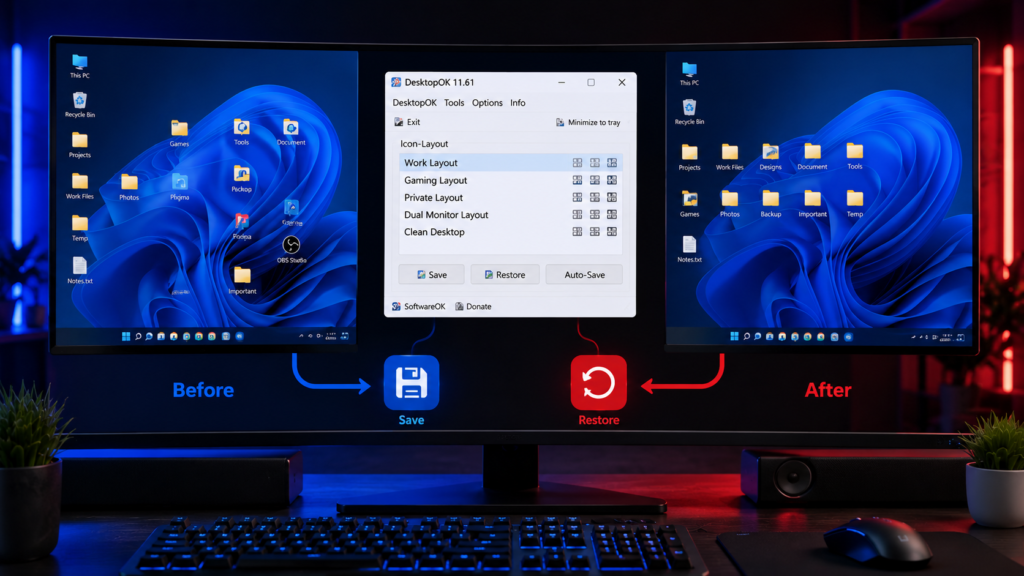
This is useful when icon positions change after switching resolutions, connecting or disconnecting displays, restarting Windows, or changing a desktop setup.
When a saved layout is restored, DesktopOK uses the stored layout information to return the available desktop icons to their saved positions.
Step 1: Save a Desktop Layout
The software scans your desktop and records all icon locations.
Step 2: Store Layout Profiles
Saved layouts are stored as profiles that can be accessed at any time.
Step 3: Restore When Needed
Whenever icons move unexpectedly, users simply select a saved profile and restore the desktop arrangement instantly.
Key Features of DesktopOK
DesktopOK offers several useful features beyond basic icon restoration.
Save Multiple Desktop Layouts
Users can save multiple desktop layouts for different setups and workflows, making it easier to restore the arrangement that matches their current display configuration.
For example:
- Work layout
- Gaming layout
- Design layout
- Development layout
Automatic Layout Backup
The software can automatically save icon arrangements at scheduled intervals.
This helps prevent losing an updated desktop setup.
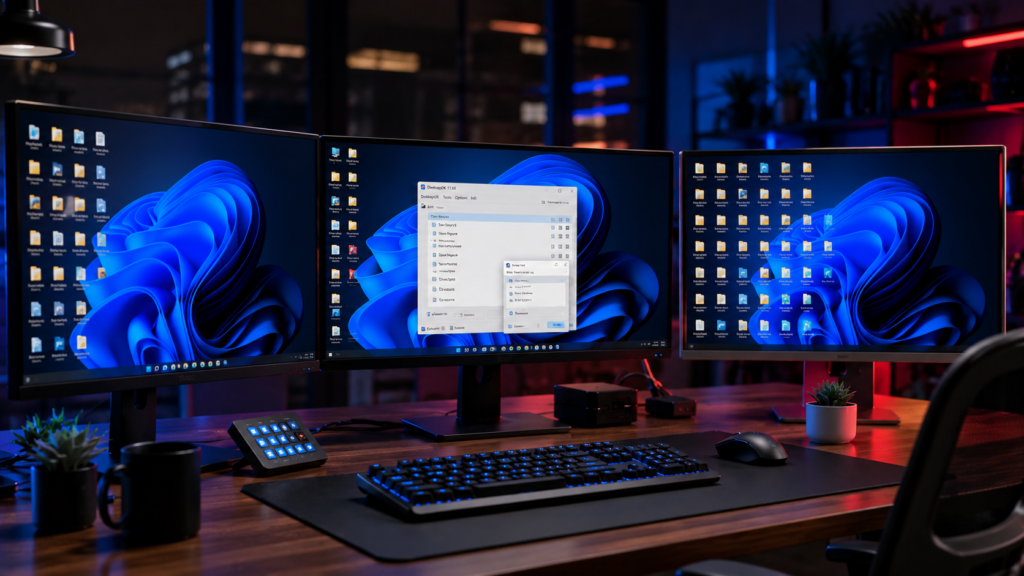
Multi Monitor Support
DesktopOK works well with multiple displays and different monitor configurations.
Users who frequently connect external monitors can restore layouts quickly without reorganizing icons manually.
Users with more than one display can also follow our DesktopOK multi-monitor setup guide for more detailed setup and layout-management instructions.
Portable Operation
One of the biggest advantages of DesktopOK is its portability.
The software can run directly from:
- USB drives
- External storage devices
- Portable software collections
No installation is required.
Small File Size
DesktopOK is a lightweight utility with a relatively small download size.
Its focused feature set keeps the program simple and suitable for a wide range of Windows systems.
What DesktopOK Can Do
DesktopOK can save desktop icon positions, restore saved icon layouts, help after resolution changes, and support users who often connect or disconnect monitors. It is not a full Windows repair tool, and it does not recover deleted files or fix broken system files.
Who Should Use DesktopOK?
DesktopOK can benefit a wide range of Windows users.
Office Workers
Professionals often keep project files, folders, and shortcuts organized in specific locations.
DesktopOK helps preserve these arrangements.
Designers
Graphic designers frequently switch between monitor setups and screen resolutions.
Saved layouts ensure a consistent workspace.
Gamers
Many games change screen resolution during launch.
DesktopOK restores icons after gaming sessions.
Developers
Developers often manage dozens of project folders and tools on the desktop.
The software helps maintain productivity by keeping everything organized.
IT Administrators
System administrators can quickly recover desktop layouts across different workstations.
Advantages of Using DesktopOK
Using DesktopOK offers several practical benefits.
Improved Productivity
Users spend less time rearranging icons and more time working.
Consistent Workspace
A familiar desktop environment improves efficiency and reduces distractions.
Reduced Frustration
Unexpected icon movement becomes a minor inconvenience rather than a major problem.
Better Multi-Monitor Experience
Desktop layouts remain manageable even when switching between displays.
Lightweight Performance
DesktopOK is designed as a lightweight utility, so its main purpose is to save and restore icon layouts without adding unnecessary complexity.
Is DesktopOK Safe?
DesktopOK is developed and distributed by SoftwareOK and is available as a portable Windows utility. For safer use, download the software from the developer’s official source and keep it updated.
As with any downloaded Windows utility, users should review security warnings rather than automatically bypassing them. Antivirus tools can occasionally flag legitimate utilities, so any detection should be checked carefully before allowing or running the file.
DesktopOK’s primary purpose is to save and restore desktop icon positions; it is not intended to function as an antivirus, Windows repair, or file-recovery tool.
DesktopOK Compared to Manual Desktop Organization
Without DesktopOK, users must manually reposition every icon whenever the desktop layout changes.
This can be time-consuming, especially on desktops containing dozens or hundreds of icons.
DesktopOK automates the entire process and restores layouts within seconds.
For users who frequently experience desktop icon movement, restoring a saved layout can be much quicker than manually rearranging every icon.
Conclusion
DesktopOK is a practical utility for Windows users who want a simple way to save and restore desktop icon layouts. By saving and restoring icon layouts, the software eliminates one of the most common frustrations associated with screen resolution changes, multi-monitor setups, and Windows updates.
Its lightweight design, portable operation, and support for multiple saved layouts make it useful for users who regularly experience desktop icon rearrangement. Whether you manage a busy workstation or simply prefer a neatly organized desktop, DesktopOK provides an easy way to keep everything exactly where it belongs.